
Apple Shortcuts
We specialize in developing innovative shortcuts for the Apple IOS devices. These shortcuts are designed to make everyday routines process completely on autopilot, saving you the trouble that these tedious tasks provide.
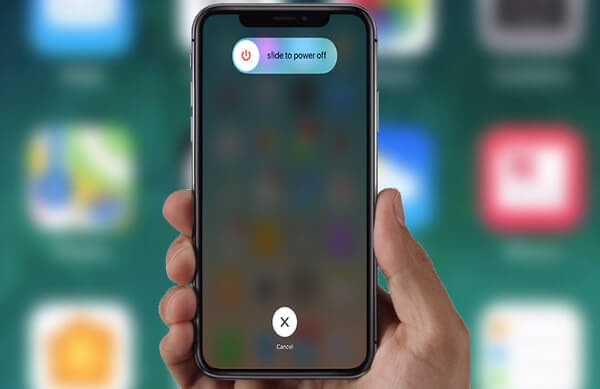
Restart Device
► Version 1.0.0
► Release Date: May 12th, 2024
With this shortcut, you can restart your IOS device with ease. A simple and easy click then confirmation and you’re all done.
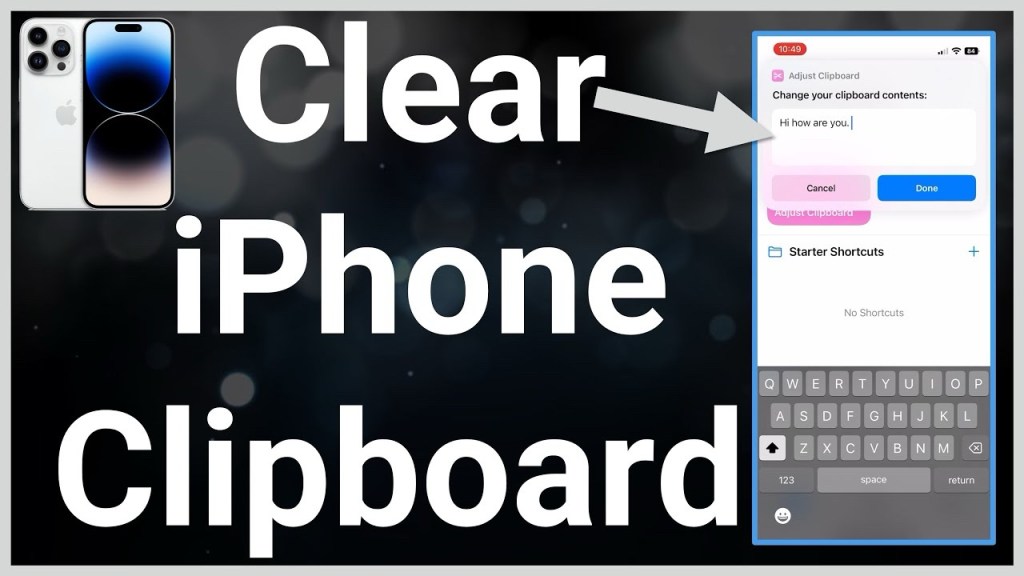
Clear Clipboard
► Version 1.0.0
► Release Date: May 12th, 2024
With this shortcut, you can easily clear all the content within your clipboard. This helps keep you safe from unwanted apps retrieving this information without your knowledge.
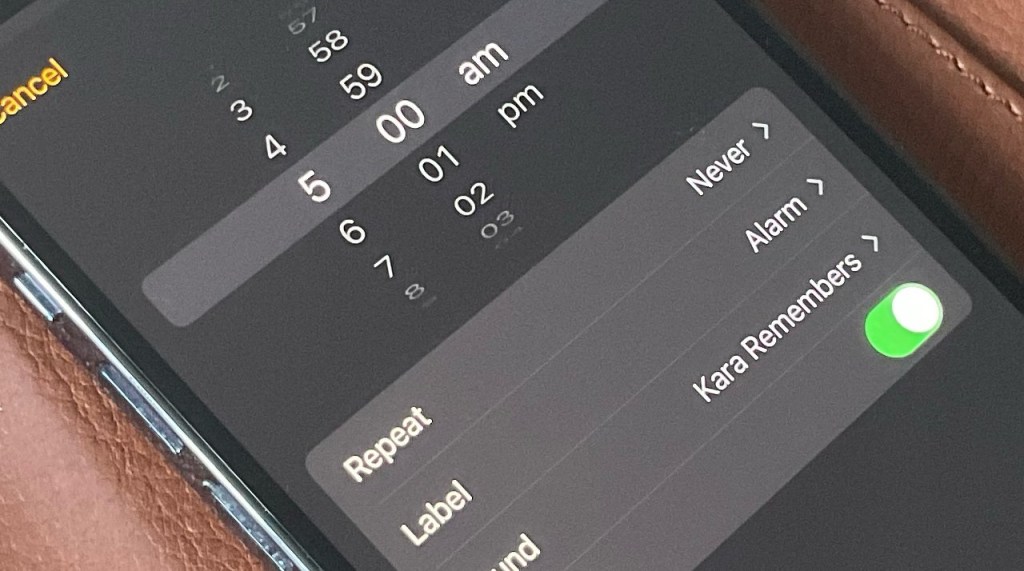
Set Alarm
► Version 1.0.0
► Release Date: May 12th, 2024
With this shortcut, you can quickly establish an alarm on your device. Just set your time and add a description and you’re all set.
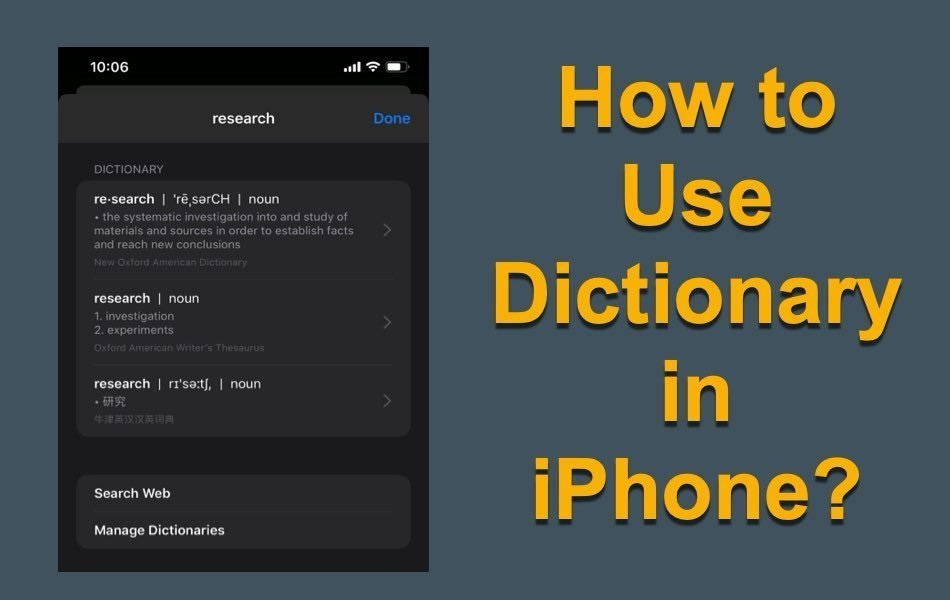
Dictionary
► Version 1.0.0
► Release Date: May 12th, 2024
With this shortcut, you can access your device’s built in dictionary. Look up any word by a simple search request.
Translator
► Version 1.0.0
► Release Date: May 18th, 2024
With this shortcut, you can translate from one language to another in both written and spoken form. Automatically saves translation to your clipboard.
Languages Include:
– Arabic
– Chinese (Mainland)
– Chinese (Taiwan)
– Dutch
– English (UK)
– English (US)
– French
– German
– Indonesian
– Italian
– Japanese
– Korean
– Polish
– Portuguese
– Russian
– Spanish (Spain)
– Thai
– Turkish
– Ukrainian
– Vietnamese

Date Calculator
► Version 1.0.0
► Release Date: May 14th, 2024
With this shortcut, you can calculate the exact timeframe from one date to another down to the years, months, days, and hours.
Photo Converter
► Version 1.0.0
► Release Date: May 12th, 2024
With this shortcut, you can convert any image to a different file format extension. Extensions that are available include:
– PNG
– JPEG
– GIF
– TIFF
– BMP
– HEIF

Photo Resizer
► Version 1.0.0
► Release Date: May 13th, 2024
With this shortcut, you can resize any photo to your needed and desired pixel dimensions.
Remove Background
► Version 1.0.0
► Release Date: May 12th, 2024
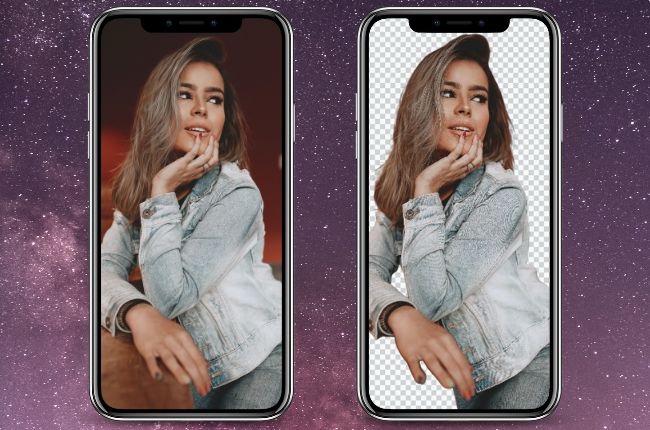
With this shortcut, you can efficiently remove the background of any image and save it to your photos for later use.
Text Extractor
► Version 1.0.0
► Release Date: May 14th, 2024
With this shortcut, you can extract the text from any photo and then choose to copy the extracted text to your clipboard for further use.
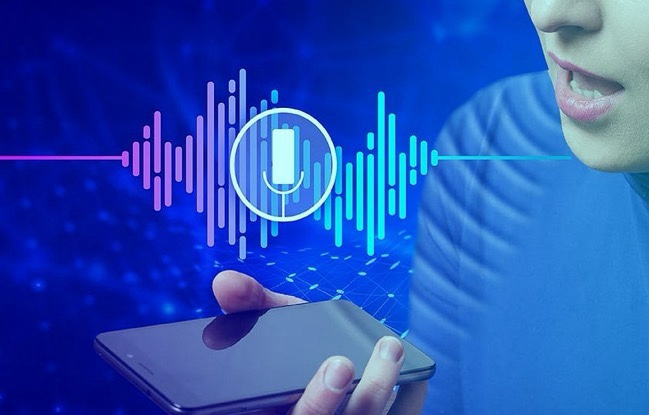
Dictation
► Version 1.0.0
► Release Date: May 14th, 2024
With this shortcut, you can dictate verbal speech and turn it into written text and then copy the text to your clipboard for further use.

Emergency Info
► Version 1.0.0
► Release Date: May 12th, 2024
With this shortcut, you can customize and turn your emergency medical/contact information into a scannable QR code.
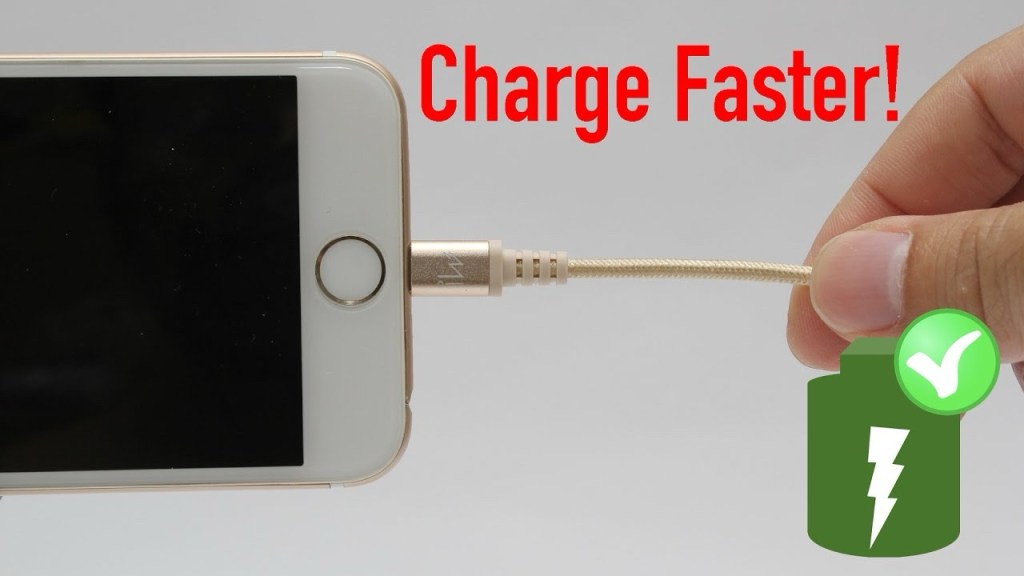
Rapid Charge
► Version 1.0.0
► Release Date: May 12th, 2024
With this shortcut, you can rapid charge your device by shutting down certain features that are known to drain your battery life faster.
Charging Complete
► Version 1.0.0
► Release Date: May 12th, 2024
With this shortcut, in conjunction with the Rapid Charge shortcut, you can take advantage of the Shortcuts automation feature and your device will automatically connect to rapid charge when plugged in and disconnect when unplugged.
©2024 Lortech Digital Media, LLC.
All Rights Reserved

